Online store and inventory management in one app
If you sell both online and in person, you probably work with at least two applications. One is the online store — WooCommerce, some other e-commerce platform or something else. The other is a stock program, a till or simply Excel, where you keep track of what is actually on the shelf. And at the end of the month the figures are put together in a third place.
Each application does its own job well. The problem is the gap between them.
What breaks when there are two applications
The stock levels don't match. The shop sells the last item over the counter, but the online store doesn't know. A couple of days later someone buys the same product online, and it turns out the shelf is empty. Then come the apologetic email and the refund. The same thing happens with the last helmet in a bike shop, the last vase in a florist's and the last filter in a workshop.
Quantities are copied over by hand. The supplier's box arrives, the goods are entered into the stock program — and then the same quantity has to be entered into the online store separately. Or an integration does it overnight, when it happens to be working. Every integration is a place where something can fall out of sync.
Two monthly fees, two logins, two product catalogues. A new product has to be created in two places, a price change made twice. If the same product's name is slightly different in the two places, the integration can no longer match them.
The customer is in several places. Their orders are in the online store, their gift card in the till, their booking in the calendar. Nobody sees the whole picture.
You don't have to buy two applications
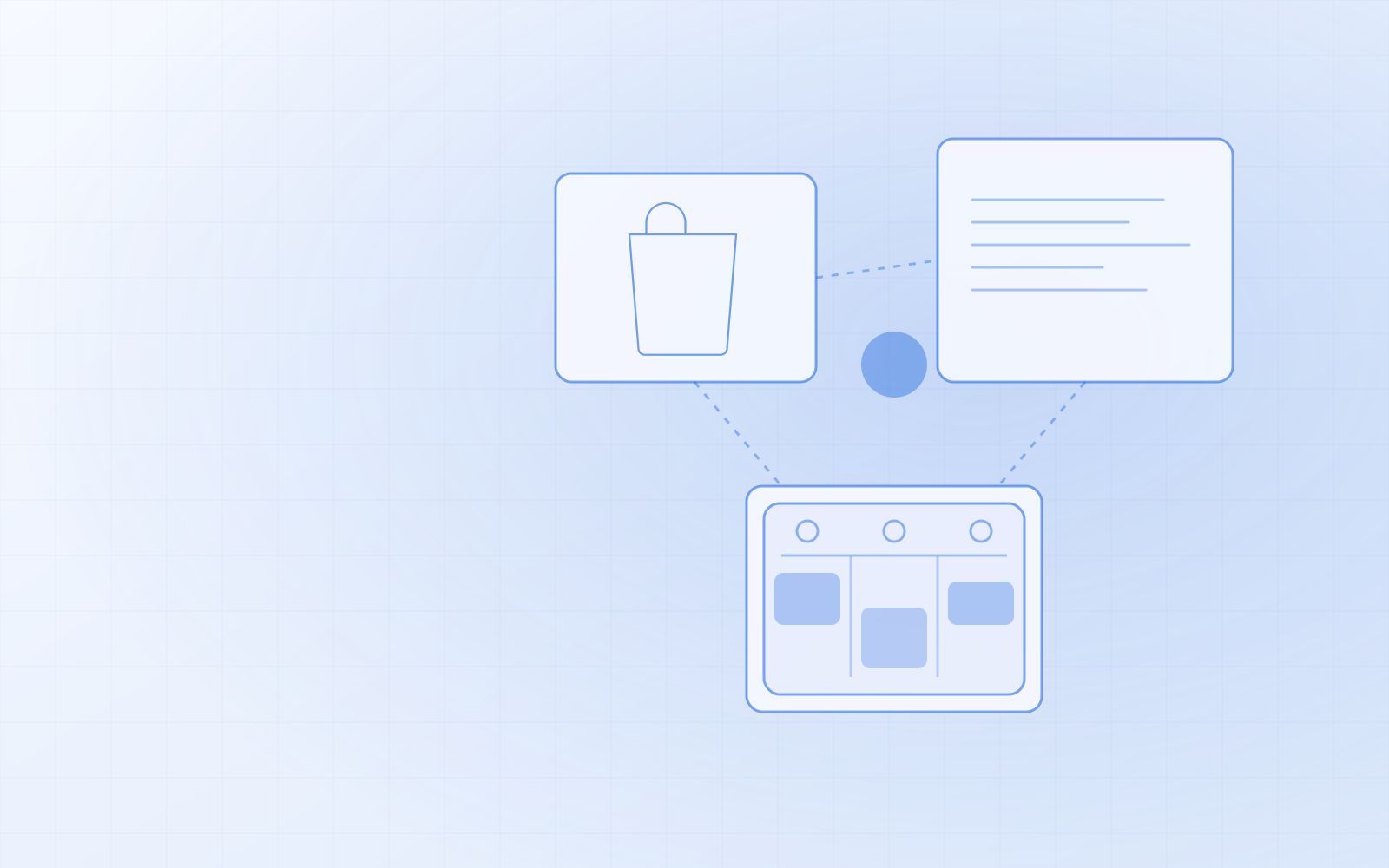
I built NUNDINAE to close that gap. The online store and inventory management are not two integrated programs but one application with one database:
- One catalogue for products and services. The product you sell in the online store is the same product you sell at the till and scan in from the supplier's box.
- One stock level. An online order, a till sale and a delivery being received change the same number at the same moment. There is no syncing, because there is nothing to sync.
- One customer register for online store accounts and in-person customers. Email isn't required — a phone number is enough.
- One report. Turnover by day includes the online store, the till and booking invoices together.
When a product is bought in the online store, it's set aside immediately; if the payment isn't made, the item is released automatically. When the last one is sold at the till, it can no longer be bought online at that same moment.
The stock is run with a barcode scanner
Inventory management doesn't mean a spreadsheet where you type numbers in by hand. When goods arrive you press "Receive goods" and scan each product — every scan adds one unit and the item is immediately on sale in the online store too. To answer "how many have we got?", scan the product on any admin page.
Any USB or Bluetooth barcode scanner that works as a keyboard will do; no extra software is needed. On a phone or tablet you can use the camera. Receiving goods, stocktakes and supplier order sheets are covered in more detail in inventory management with a barcode scanner.
Modules: use only what you need
Not everyone needs everything. The online store, bookings, client cards, POS, gift cards, automated messages, SMS and reports are modules you switch on and off yourself. A shop that doesn't sell appointment-based services switches bookings off and doesn't see them in the menu. A workshop or studio that sells both services and products keeps them on — and then the booking invoice and the spare parts used come out of the same stock too. Switching a module off doesn't delete any data.
How to move from your old system
The biggest fear about switching is justified: products, customers and years of history must not get lost.
Products come across from your old online store (WooCommerce, for example) together with their variants — size, colour, volume. Product information such as "How to use" or "Ingredients" becomes an attribute in the new system, which the shop shows on the product page under its own heading.
Stock levels come from a stocktake CSV (SKU;quantity or EAN;quantity). EAN codes can be added in bulk from the supplier's price list.
Customers and history come from CSV with column mapping — an export from the old program or an Excel sheet both work. A repeat import updates existing records rather than creating duplicates.
Old addresses are where most migrations lose their Google rankings. Every old product and category address has to redirect to the new one — how to do that properly is explained in website redesign or migration without losing SEO. The NUNDINAE admin also has a "Broken links" view: you see old addresses that return a 404 and redirect them with one click.
I do the migration myself: I map the old data, move it across and check the result.
Is one application always better?
No. If you sell only online, have no stock of your own and goods ship straight from the supplier, an ordinary online store may be simpler — in that case see the online store development page. One application pays off most when you have physical stock and sell through several channels — exactly when the most manual work falls between two programs. What that looks like in an ordinary shop is covered in online store and stock for a retail shop.
If that's your situation, order NUNDINAE or ask for a demo. I'll look at what you work with now and tell you honestly whether moving is worth it.