Online store and stock software for shops in one app
A small shop's day often looks like this: in the morning the supplier's box arrives and its contents are copied from paper into the stock program. During the day goods are sold over the counter and the till deducts them from its own database. In the evening you look at the online orders and check on the shelf whether the ordered goods are actually there — because the online store doesn't know what was sold over the counter today.
If you have three programs, you have three product catalogues, three logins and three places where the stock level can go wrong. And it does, because quantities move between them by hand or through an integration that sometimes falls over.
Typical problems shopkeepers describe
- "A customer bought a jacket online whose last one went over the counter yesterday."
- "A stocktake takes a whole Sunday, because the numbers have to be retyped from Excel into the stock program."
- "I pay for the online store and the stock program separately and still copy quantities over by hand."
All three have the same root: the online store and the stock are two different applications.
One application, one stock level
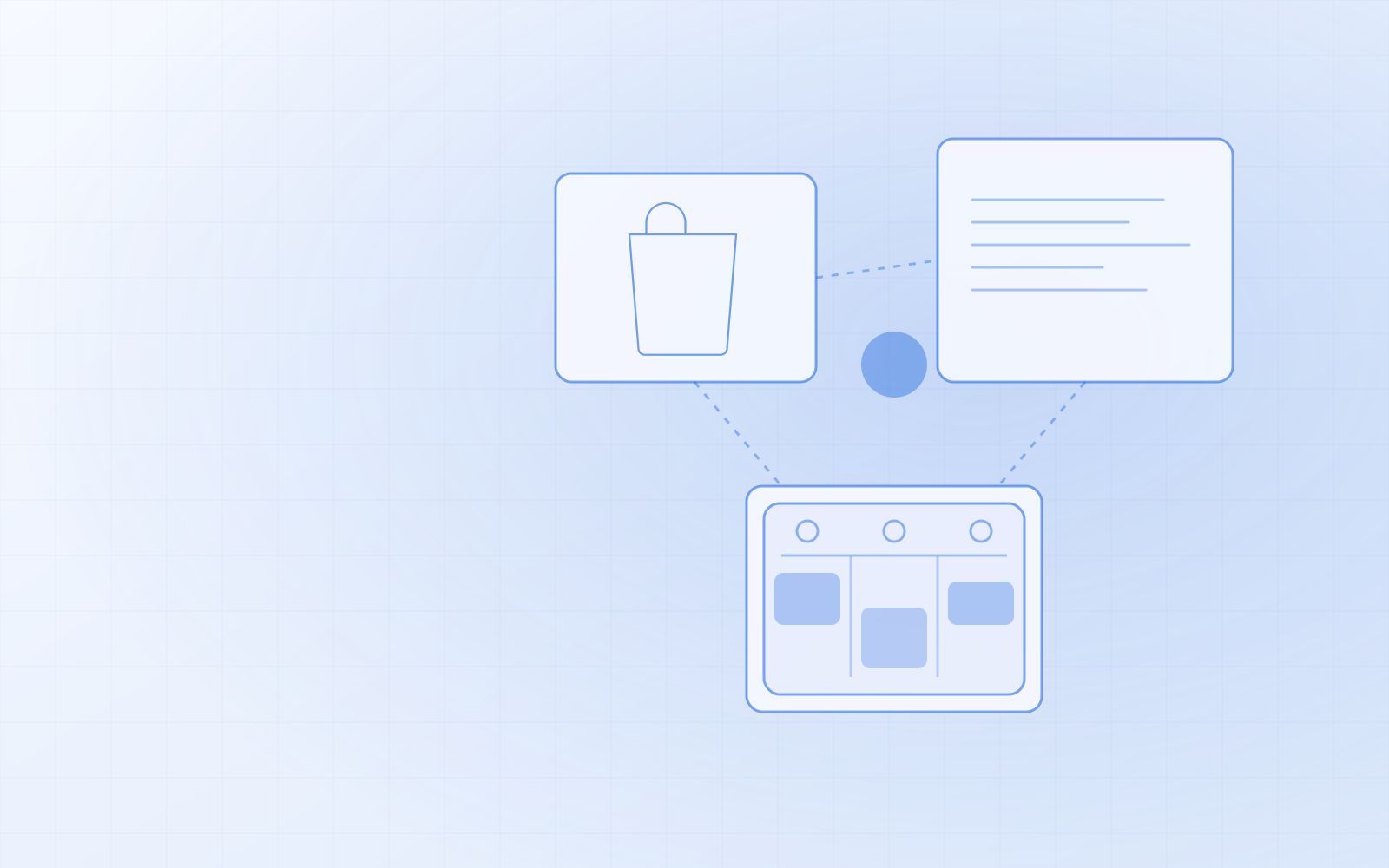
NUNDINAE is the platform I built to close exactly that gap. The online store, inventory management and the till are one application with one database. The product you sell online is the same product you sell over the counter and scan in from the supplier's box.
What that means across a day:
- You sell the last one over the counter — the online store sees it at the same moment, because there is no other stock level.
- An online order sets the goods aside as soon as the customer places the order. If they don't pay within the payment window, the goods are released automatically.
- A customer cancels an order before it has been dispatched — the goods go back into stock.
- One customer register: online store accounts and counter customers are in the same place. A phone number is enough; email isn't required.
There's nothing to sync between two systems, because there is no second system. I go into this at more length in online store and inventory management in one application.
A barcode scanner makes stock work fast
In a shop, the jobs that eat up the most time are receiving goods and stocktakes. Both are done with a barcode scanner in NUNDINAE:
| Job | How it works |
|---|---|
| Receiving goods | "Receive goods (scanner)" → scan each product from the box, every beep adds one unit → "Save receipt". Unknown codes stay on the list in red. |
| "How many have we got?" | Scan the product on any admin page — a box opens with the name, price and remaining stock (green, orange, red). |
| Stocktake | Counted quantities as a CSV file (SKU;quantity or EAN;quantity), which become the new stock levels. |
| EAN codes in bulk | Two columns from the supplier's price list (SKU;EAN) and an import. |
| Running low | The dashboard shows low-stock alerts, and you can put together a supplier order sheet by brand. |
Any USB or Bluetooth barcode scanner that works as a keyboard will do. No extra software is needed, and on a phone or tablet you can use the camera too. It's all explained in more detail in inventory management with a barcode scanner.
A till at the counter, from the same stock
At the till you search for a product by name or scan its barcode — the product goes straight into the basket, and a second beep increases the quantity. Payment can be cash, card, gift card or several at once; change is calculated automatically and you can print a receipt. At the end of the day, "Close day" gives you a summary by payment method.
A till sale takes the goods from the same stock level as the online store. If the same button press accidentally goes through twice or the network drops, the sale is still saved only once.
The online store side: delivery, payments and campaigns
- Products with variants — size, colour, volume. Each variant has its own SKU, EAN, price and stock level.
- Payments through Montonio: bank links, card, Apple Pay and Google Pay, plus bank transfer.
- Delivery by country, postcode, weight and order value, a free-delivery threshold and SmartPost parcel lockers. You can create the shipment from the order.
- Campaigns: basket rules, discount codes, "buy X, get Y", standing discounts on a brand, and bundle deals with a gift.
- Gift cards that can be used both over the counter and online.
- The shop works in Estonian, English, Russian and Finnish.
How to make the move
You don't start from scratch. I do the migration myself, and it usually goes like this:
- Products come across from your old online store (e.g. WooCommerce) together with their variants.
- Stock levels come from a stocktake CSV — the same format you'll use yourself later.
- Customers come from CSV with column mapping; a repeat import updates rather than duplicates.
- Old addresses I redirect, so the links Google knows don't return a 404.
Before migrating, it's worth checking whether every product has an EAN code. If not, it's a good moment to bring them in from the supplier's price list — then the barcode scanner works from day one.
If you'd like to see how this would look with your shop's range, order NUNDINAE or ask for a demo. Describe what you sell and what you work with now — I'll tell you honestly whether it's a good fit.