 Online store and inventory
Online store and inventory management in one app
A separate online store and stock program mean two bills and quantities copied by hand. What one app with a barcode scanner gives you, and how to migrate.
Read moreMost businesses that sell both online and in person pay for at least two applications: one is the online store, the other a stock program or a till. They don't talk to each other — quantities are copied over by hand, the stock levels don't match, and a customer buys something online that is no longer on the shelf.
NUNDINAE is the platform I built to close that gap. The online store and inventory management are one and the same application, with one database: an online order, a sale at the till and a delivery being received all change the same stock level instantly. You receive goods and do stocktakes with a barcode scanner. When you need them, you can also switch on bookings, client cards, automated messages and reports — you only use what you need.
In NUNDINAE the online store and the stock are one application. When the last item is sold at the till, it disappears from the online store at the same moment; when a supplier's box arrives, you scan the goods in with a barcode scanner and they are on sale online straight away. One application is also simpler to run: one login, one customer register, one set of reports. I install the platform, migrate your old data and configure it for your business.
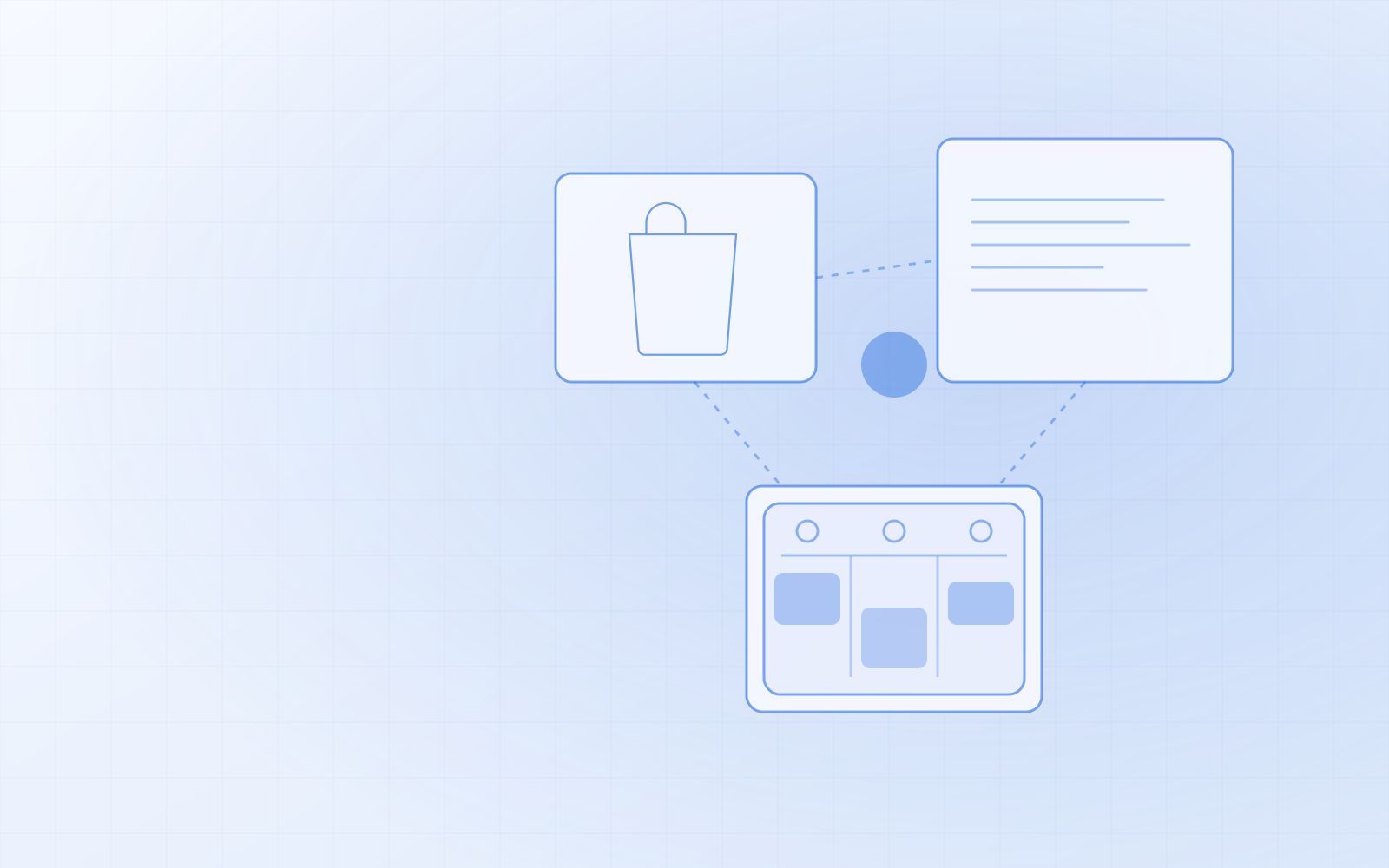
No need to buy two applications and integrate them. An online order, a till sale and a delivery all change the same stock level instantly.
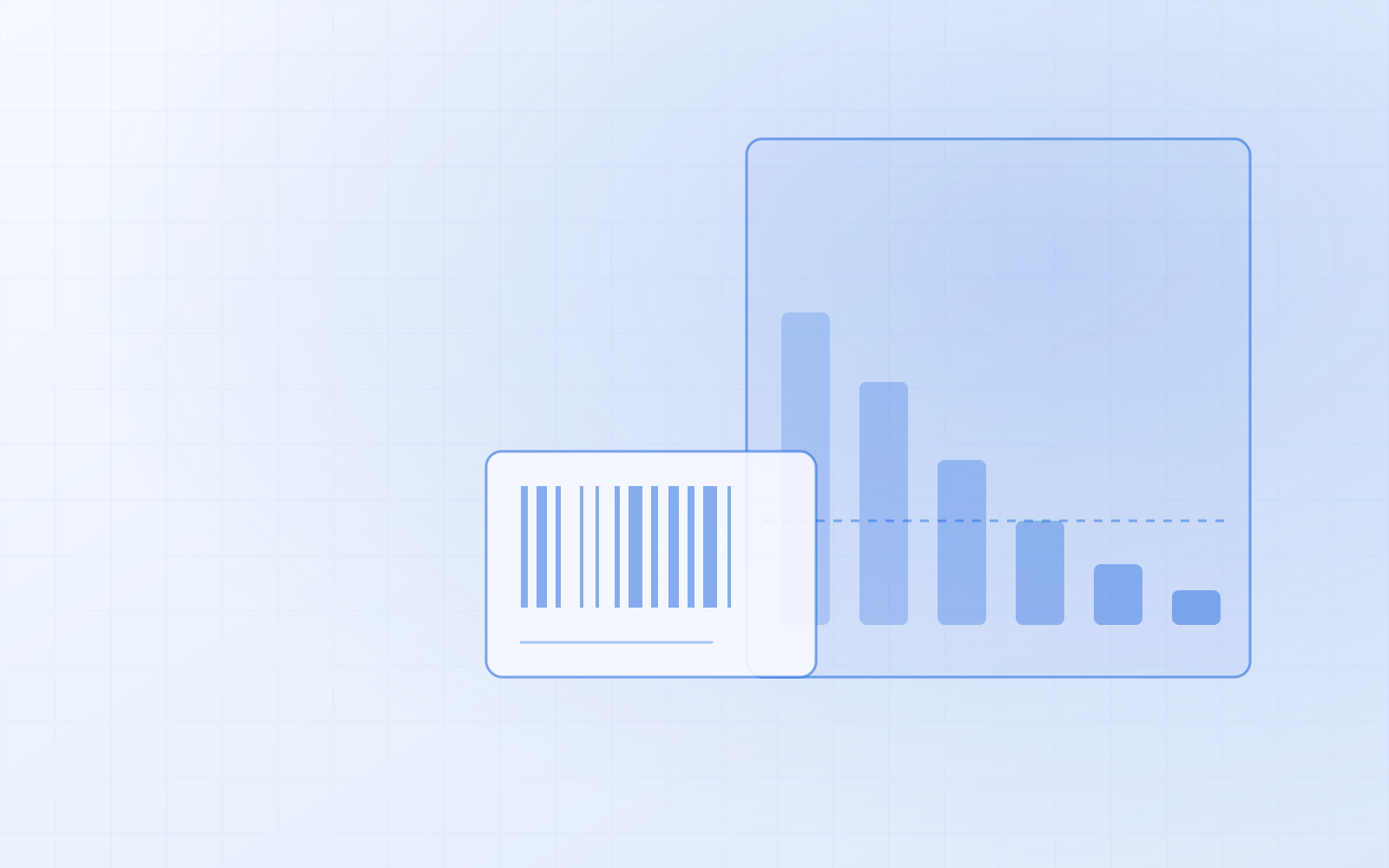
Receiving goods, stocktakes and “how many have we got?” with a single beep. Any USB or Bluetooth scanner works, and on a phone the camera does too.
In-person sales, split payments, receipts and gift cards — the same catalogue and the same stock as the online store.
Appointment-based services, prepayment and a waiting list. Double bookings are impossible in the system. If you don't need bookings, you switch the module off.
Online store accounts and in-person customers in one place, with their purchase and visit history. Sensitive data is encrypted.
Product descriptions, blog drafts from your voice and a shop assistant that recommends only products in stock. Nothing is saved without a human.
The usual setup is an e-commerce platform plus a separate stock program or till, connected by an integration or by manual work. Every integration is a place where something can fall out of sync, and every application has its own monthly fee, its own login and its own product catalogue to manage separately.
NUNDINAE has one catalogue for products and services and one stock level. The product you sell in the online store is the same product you sell at the till and scan in from the supplier's box. When any quantity changes, every sales channel sees it immediately — there is no separate syncing, because there is nothing to sync.
To receive goods you press “Receive goods” and scan each product — every beep adds one unit, and unknown codes stay on the list in red. For stocktakes there is a CSV import, and EAN codes can be added in bulk from a supplier's price list. Any USB or Bluetooth barcode scanner that works as a keyboard will do; no extra software is needed. On a phone or tablet you can use the camera.
For a quick stock check you scan a product on any admin page and instantly see its name, price and remaining quantity. Every stock change is logged with the reason and who made it. When something is running low, you see it on the dashboard and can put together an order sheet for the supplier, brand by brand. Goods can also be counted in units of weight or volume, such as grams, when they are sold or used by actual quantity.
The online store side is fully featured: products with variants (size, volume, colour), campaign prices, basket rules and discount codes, gift cards, and shipping by country, weight and order value, including SmartPost parcel lockers. Payments go through Montonio — bank links, card, Apple Pay and Google Pay — and by bank transfer.
Because the online store and the stock are one, ordered goods are set aside immediately, and goods in an unpaid order are released automatically. A gift that is out of stock is not offered in a bundle deal. The shop works in Estonian, English, Russian and Finnish.
At checkout the customer sees their bank's logo and pays the way they're used to: through Montonio, Estonian bank links (Swedbank, SEB, LHV, Luminor, Coop, Citadele and others), card payments, Apple Pay and Google Pay are supported. You can choose the bank-link country — Estonia, Latvia, Lithuania or Finland. A bank transfer is always available as a fallback.
An order is marked as paid only when the bank confirms the payment — not when the browser returns. That's when the invoice is created, the customer gets the invoice email and stock goes down. If the customer cancels at the bank, they can pay again from the order page; if they don't pay, the reserved goods are released automatically. Montonio keys are stored encrypted, and bookings can use the same payment flow to take a prepayment.
Parcel lockers are the most common delivery method in Estonia, and SmartPost support is built into NUNDINAE: the list of parcel lockers updates itself and the customer picks a locker at checkout. You create the shipment straight from the order, without retyping anything into another system. If you want another carrier — Omniva or DPD, for example — I'll add it.
You can set delivery methods and prices by country, postcode, customer group, weight and order total, and set a free-delivery threshold — for example free delivery above a certain amount, or a separate price for heavy goods. Local delivery in your own area can be added by postcode.
At the till you sell products and services together: search by name or scan the barcode, take split payments, and at the end of the day get a summary by payment method. A till sale takes goods from the same stock as the online store.
If you also sell appointment-based services — maintenance, consultations, repairs, treatments — you switch on bookings: available times online, prepayment, cancellation terms, a waiting list and reminders. Double bookings are technically impossible. If you don't need bookings, the module stays off and doesn't appear in the menu.
One customer register for both online store accounts and in-person customers, with their purchase and visit history. You can add your own fields to the client card — for example vehicle, measurements or preferences.
Sensitive data (such as health information) is stored encrypted in the database, every time a card is opened it goes into the audit log, and staff see only what they are authorised to see. Exporting a customer's data, restricting processing and anonymisation are all available as buttons.
Reports show turnover by day (online store, till and bookings together), best-selling products, new and returning customers, and staff commission. Every table can be downloaded as CSV.
The shop generates its own sitemap for search engines and shows you in the admin which searches bring people to you from Google and what customers couldn't find in the shop's search. AI helps write product descriptions and answers in the shop as an assistant that recommends only products in stock. AI makes the suggestion, a human makes the decision. Behind the scenes the AI runs on Google's Gemini API, and its cost depends on how much you use the AI features.
If you already have a design your customers recognise and that works, I'll carry it over: the logo, colours, fonts and page layout stay the same — only what's under the hood changes. Your customers don't have to get used to a new shop; they just notice that everything runs faster.
If your old design has fallen behind the times, I'll create a new, modern design for the online store and booking system — clear, and working well on a phone too. In NUNDINAE the design is a separate theme, so the look can be changed without touching products, customers or bookings.
You don't have to start from scratch. Products and their variants come over from your old online store (e.g. WooCommerce), customers and history from CSV with column mapping, and stock levels from a stocktake CSV. A repeat import updates rather than duplicates.
I do the migration myself: I map the old data, move it across, check the result and set up redirects so that the old addresses Google knows don't return a 404.
Businesses that sell products online and/or in person and want the online store and the stock in one place — shops, workshops, florists, beauty and wellness studios, trainers. If you also sell appointment-based services, bookings come on top.
No. Inventory management is built into NUNDINAE: receiving, stocktakes, stock movement history, low-stock alerts and supplier order sheets. The online store and the till take goods from the same stock, so there is no integration and no manual copying.
Any USB or Bluetooth barcode scanner that works as a keyboard (reads the code and presses Enter). No extra software is needed. On a phone or tablet you can also use the camera.
Yes. You switch the modules (online store, bookings, client cards, POS, gift cards, automated messages, SMS, reports) on and off yourself. Switching one off doesn't delete any data — when you switch it back on, everything is there.
Yes, migration is part of the job. Products, customers and history come across; I set up redirects from the old addresses so your search rankings aren't lost.
Yes. I can carry over your existing design — logo, colours, fonts and page layout — or create a new, modern design for the online store and booking system. In NUNDINAE the design is a separate theme, so it can be changed later without touching your data.
No. Each business gets its own installation — its own address, its own database and its own design. Your customer data is not in the same environment as other businesses'. Each installation is a separate solution that runs on an ordinary web hosting plan — no separate VPS or server needed.
The price depends on the modules, the amount of data to migrate and the design. Describe your business in the form — I'll show you the platform and send a written quote.
Some costs depend on how you use it. SMS notifications are charged per message sent (via the SMS service Messente); notifications sent by email are free. The AI features run on Google's Gemini API behind the scenes, and their cost depends on activity — the more texts, chats and bulk jobs, the higher the cost. A monthly budget keeps it under control: when the budget runs out, the AI buttons say so and everything else keeps working. If you don't want SMS or AI, those modules stay off and there are no costs for them. Montonio's payment fees are set by your Montonio contract. You also need an ordinary web hosting plan — no separate VPS is required.
Describe your business and what you work with today. If you already know you want NUNDINAE, I'll send a written quote; if you'd like to see it first, I'll show you the platform using your situation as the example and tell you honestly whether it's a good fit.
What happens after you write?
Practical guides and answers to the questions that come up most often when choosing this service.
Orders arrive through Facebook and phone calls and get mixed up? A WooCommerce store where payments, parcel machines and stock levels are connected and you manage the products yourself.
Afraid to press the update button, or not sure a backup even exists? I take on updates, backups and monitoring — for WordPress, code-based sites and online stores.
Your site exists, but people can't find you on Google? I fix the technical side, the structure and the content, and every month I show you what was done and what moved.
Describe the problem in a couple of sentences. I reply within one business day and tell you honestly whether and how I can help.