Room and studio booking system online
Many booking systems assume you're booking a person: a therapist, a consultant, a mechanic. But often the bottleneck is actually a room or a piece of equipment. A photo studio has one lit hall that only one client can use at a time. A therapy centre has three treatment rooms and five therapists. A workshop has two lifts. Renting out a meeting room involves no member of staff to book at all.
Room booking calls for slightly different thinking. Below is what a studio or room booking system needs to do, how to set it up sensibly, and how it works in the bookings module of NUNDINAE.
Room booking: what can be a resource
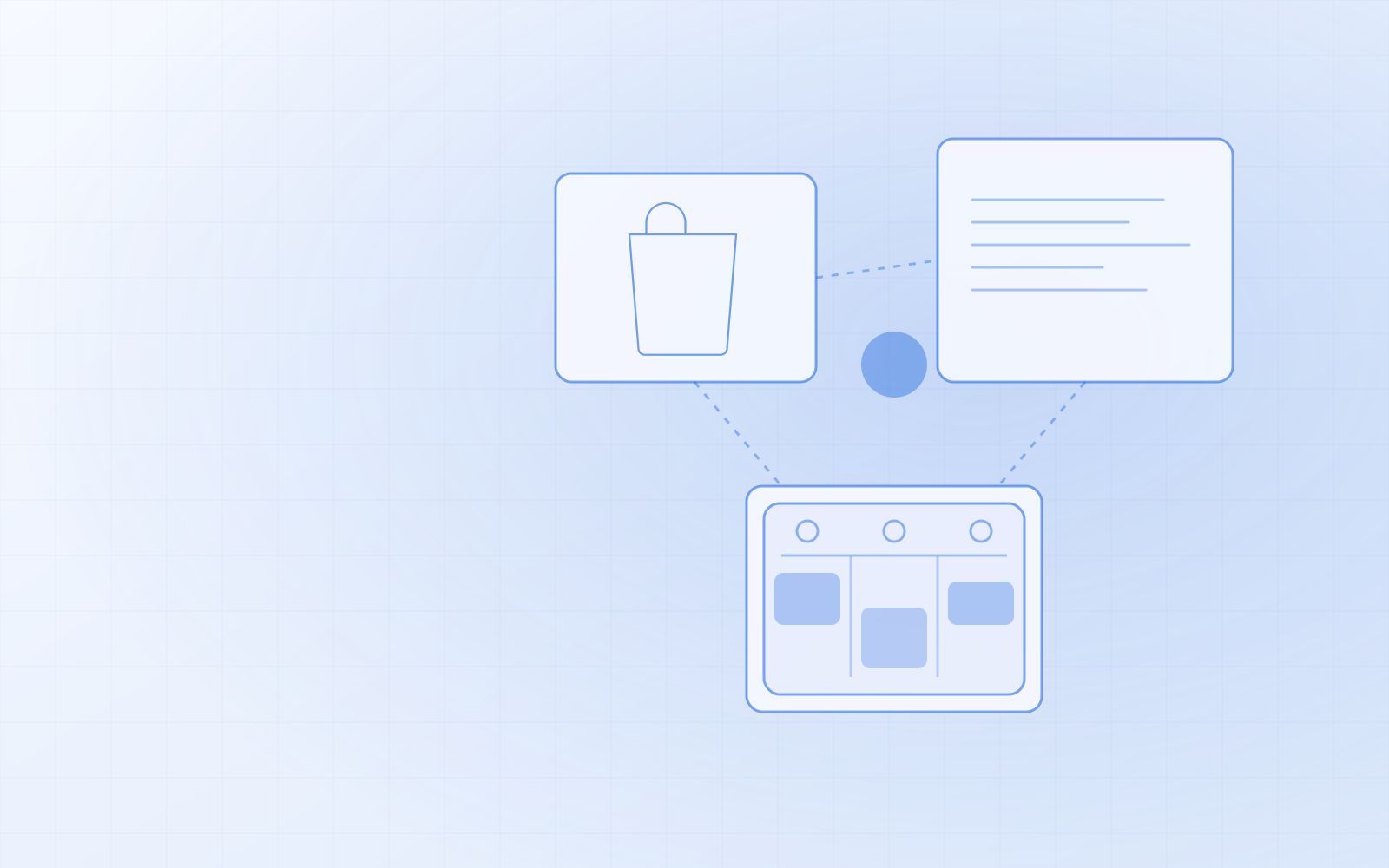
In NUNDINAE, bookable resources are staff, rooms and equipment — in one list. A resource can be practically anything that only one client can use at a time:
- a photo studio or its separate halls;
- a meeting room or seminar room;
- a treatment room in a therapy or consultation centre;
- equipment: a lift, a repair stand, a recording studio, a laser cutter.
Each resource has its own name, its own opening hours and exceptions (for example a maintenance day or a holiday). Renaming it changes it everywhere — in the shop, the calendar and the till — and old bookings are kept. If a room is no longer in use, you hide it; its history stays in the reports.
Duration and buffer time
The most common mistake in room booking is a forgotten gap. A photo studio needs half an hour after a session for tidying up and changing the backdrop, a meeting room ten minutes to air out. If you don't allow for it, the next client starts before the previous one has left.
In NUNDINAE every bookable service has a duration and a buffer time. The buffer is a gap other clients can't book — for cleaning, changing the backdrop or letting equipment cool down. If a room can be rented for different lengths of time, create a separate service for each length — for example "Studio 1 h", "Studio 3 h" and "Studio full day", each with its own price.
A double booking is impossible in the system — even when the same resource has services of different lengths. The system checks actual times, not calendar slots.
Prepayment for room bookings
If a client books the studio for four hours and doesn't turn up, that's four hours you can no longer sell to anyone. That's why prepayment is more common for rooms and studios than for short services.
In NUNDINAE you mark each service as free or with a prepayment. A client booking online pays the prepayment through Montonio (bank link, card, Apple Pay or Google Pay), and the booking is confirmed only after payment. In the settings you set the prepayment percentage and how many hours before the booking it can be cancelled free of charge — the prepayment is then refunded automatically to the same payment method. If they cancel later, you keep the prepayment. I wrote about setting up a prepayment sensibly in no-show customers: prepayments and reminders.
Blocked time and your own use
You use the room yourself too: your own photo session, cleaning, repairs, an internal meeting. In the NUNDINAE calendar you can block time without a booking — clients can't book it and it doesn't go on an invoice. Longer breaks (for example summer refurbishment) are marked as exceptions to the resource's opening hours.
Calendar by resource
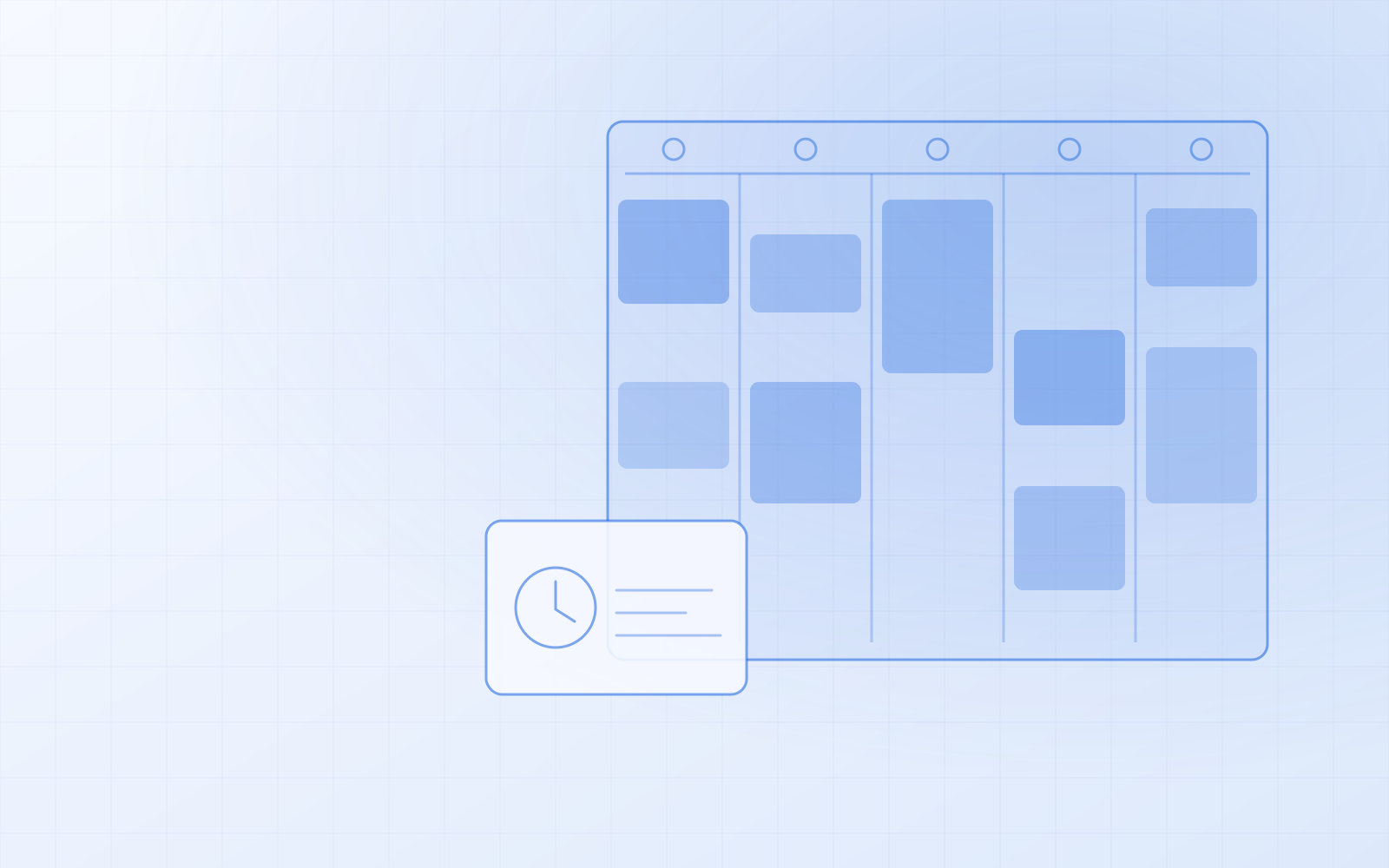
When there are several rooms, it's important to see them side by side. In the calendar's day view the resources are in columns, and a booking can be dragged to a new time. There's also a daily and weekly list and a month view. Clicking a booking opens a side panel where you see the client, mark the visit as completed or "Didn't show", move the booking and create the invoice.
When a client phones, you book on their behalf in the admin, and the confirmation with a calendar file goes out straight away.
What the client sees
You can put the booking block on any page — for example below the studio's description. The client sees free times on a seven-day strip; if a day is full, the next free time is offered. Times are also shown in the visitor's own time zone, which is useful when a client is booking from abroad. The confirmation email has a link where they can view and cancel their booking.
If a day is full, the client can join the waiting list: when a slot frees up, the system offers it to them.
Invoice, gift card and add-on sales
A studio or treatment room often sells something extra too: extra equipment hire, printed photos, care products. In NUNDINAE you add these to the same booking's invoice — the product comes from the same stock the online store sells from. A client can pay for a booked slot with a gift card at the till. More on gift cards in gift cards for your online store and till.
Checklist before choosing a system
- Can you book a room or equipment, not just a person?
- Does every service have a buffer time?
- Is a double booking impossible even with bookings of different lengths?
- Can you block time without a booking?
- Is the prepayment refunded automatically if the client cancels in time?
- Does the calendar show resources side by side?
More on general requirements in booking system: what it must do. If you'd like to see how your rooms and equipment would look in NUNDINAE, order NUNDINAE or ask for a demo.