Pet grooming salon and pet shop in one system
In a pet grooming salon, every customer is really two: the person who books and pays, and the animal the work is actually done on. During the day you clip, wash and trim nails, while someone rings to ask whether the same food is still on sale. And if there's a pet shop alongside the salon — on the shelf and online — you also have to keep an eye on bags of food, leads and care products.
What grooming salons complain about most
- "The customer's name is in the system, but I remember them by their dog's name."
- "One dog needs careful handling, but that information exists only in my head."
- "The food ran out on the shelf and we carried on selling it online."
- "Customers forget it's time for their next groom."
The pet's name and a warning on the client card
You can add your own fields to the NUNDINAE client card, and one of the ready-made examples is the pet's name. The card holds the owner's contact details, visit history and notes — what was done last time, what worked, what didn't.
The card's warning is visible wherever it's needed: next to the booking, under the name on the dashboard and at the till. It's the place for a note such as that the animal is afraid of the dryer or needs a second person to help. That way even a colleague who has never served this customer knows before the visit.
Bookings without the phone
Customers see free slots online and book themselves. Every service has a duration and buffer time — a big dog takes longer than a small one — and alongside the staff the calendar includes rooms and equipment. Double bookings are impossible in the system. Appointments that come in by phone you book for the customer in the admin, and the confirmation with a calendar file goes out straight away.
In the morning the dashboard shows "In the salon today": the day's customers in time order, with warnings under their names. Each member of staff logs in with their own account and sees only their own day. When someone cancels, the system offers the freed-up slot to someone on the waiting list.
The pet shop: online store and stock together
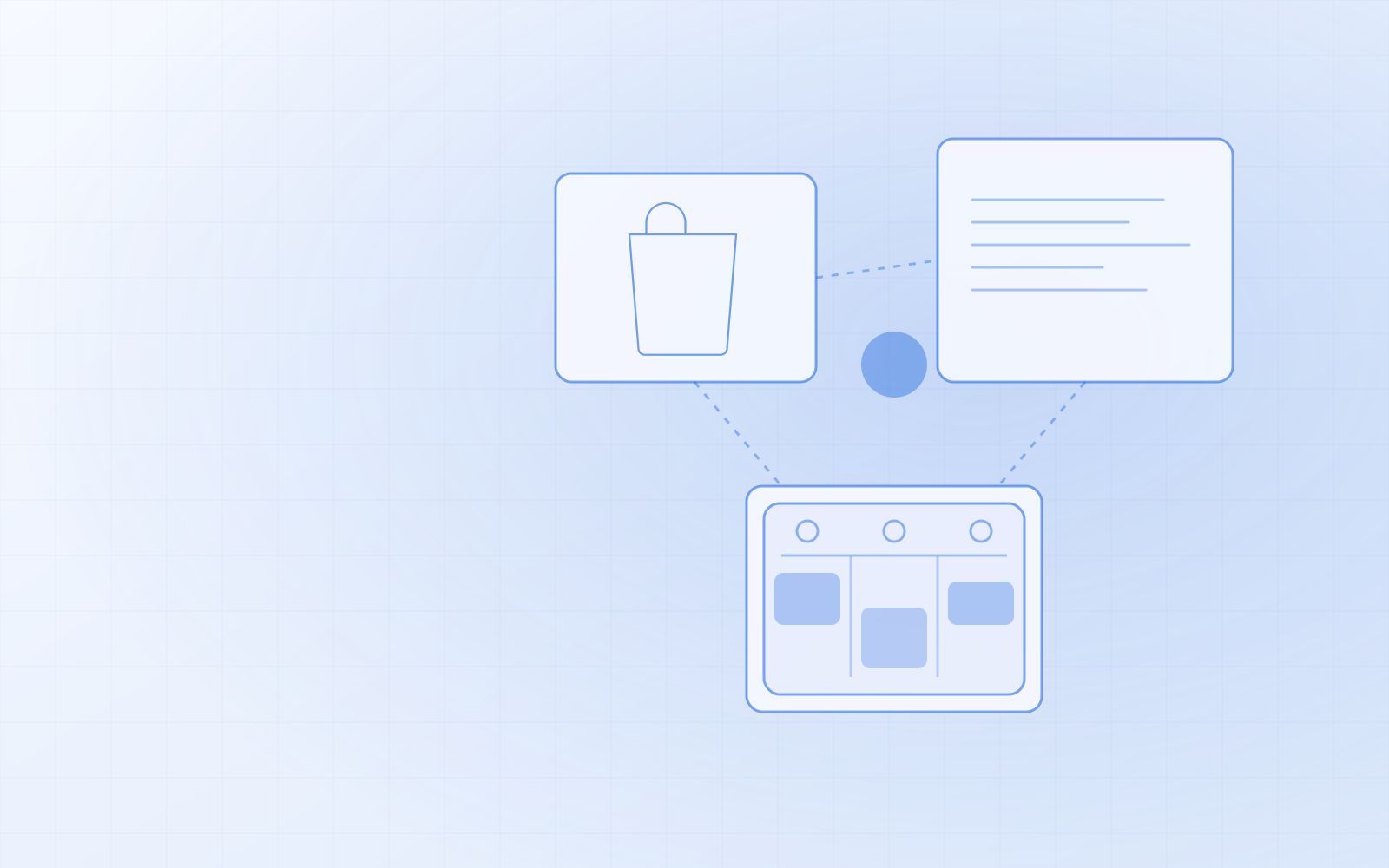
This is where NUNDINAE's biggest advantage lies: the online store and the stock are one application. The bag of food you sell from the shelf is the same product you sell online and add to the visit invoice after a groom. When the last bag goes through the till, it disappears from the online store at the same moment. You don't need to buy two separate programs or integrate them.
Day-to-day stock work is done with a barcode scanner:
- Receiving: the supplier's delivery is scanned in, every beep adds one unit.
- Quick check: "do we still have this food?" — scan it and see the name, price and remaining stock.
- Alerts: when something is running low, you see it on the dashboard; each product can have its own threshold.
- Order sheet for the supplier by brand, as CSV for Excel.
Products can have variants — pack size or lead length, for example — each with its own price, EAN and stock level. Payments go through Montonio or by bank transfer, and goods reach the customer by the delivery method you set up, such as a SmartPost parcel locker. How to keep stock with a barcode scanner is explained in inventory management with a barcode scanner.
The till: grooming and food on one receipt
At the till you add the service, with the customer and the staff member, from "Today's bookings", and scan a bag of food on top. Payment can be cash, card, gift card or several at once. At the end of the day, "Close day" gives you a summary by payment method.
A reminder for next time
Grooming salon customers come back again and again — but not if nobody reminds them. The automated messages module includes:
- A repeat-visit reminder based on the service interval — a few weeks after a groom, for example — if the customer hasn't booked a new appointment themselves.
- A feedback request after the visit, optionally with a review link.
- A birthday greeting for the owner, optionally with a personal discount code that works in the online store.
Marketing messages go only to customers who have given consent, by email or SMS. More on this in appointment reminders and birthday offers.
How to make the switch
- Customers come from CSV (from your current program or Excel) with column mapping. If the pet's name is in a separate column in the old spreadsheet, it goes straight into the client card field.
- Shop products come across from your old online store; EAN codes can be added in bulk from the supplier's price list.
- Stock levels come from a stocktake CSV.
- Old addresses I redirect, so the links Google knows don't break.
I do the migration and setup myself. If you'd like to see how this works for your salon and shop, order NUNDINAE or ask for a demo.