Inventory software for small business: a checklist
In a small business, stock-keeping usually starts in Excel. While there are a couple of dozen products and you sell in only one place, that works. Then an online store comes along, the range grows to a hundred, and one morning it turns out the spreadsheet says two in stock but the shelf is empty. That's the moment people start looking for inventory software for a small business — and most of the time they find a program that solves one problem and creates another.
This article gives you a checklist for judging inventory software and the questions to ask the vendor. They apply whichever solution you end up choosing.
What inventory software for a small business must do
Big warehouse systems are built for companies with several warehouses and dozens of staff. A small business needs less, but that "less" has to be fast and error-free. The minimum list:
- Goods-in with a barcode scanner. The supplier's box arrives and you beep the products in. If every quantity has to be typed by hand, one day goods-in simply won't get done.
- Stocktake from a file. The count result must go in as one file (for example
SKU;quantity), not line by line. - Quick check. The answer to "how many of these are in stock?" should take one beep, not five clicks.
- Movement history with a reason. Every change — sale, delivery, write-off, counting error — must be recorded along with who made it and when. Otherwise you'll never find out where the goods went.
- Low-stock alerts. The software should tell you what's running out, not wait for a customer to ask.
- Purchase order for the supplier. Low-stock items grouped by brand or supplier with a suggested quantity, ready to send.
- Variants. Size, colour or volume need their own stock level, not one number for the whole product.
- Fractional quantities. If you sell by weight or volume, stock must be in grams or litres, not "pieces".
- Permissions. Not every member of staff needs to be able to correct stock levels.
Why a separate stock program and online store cost you twice
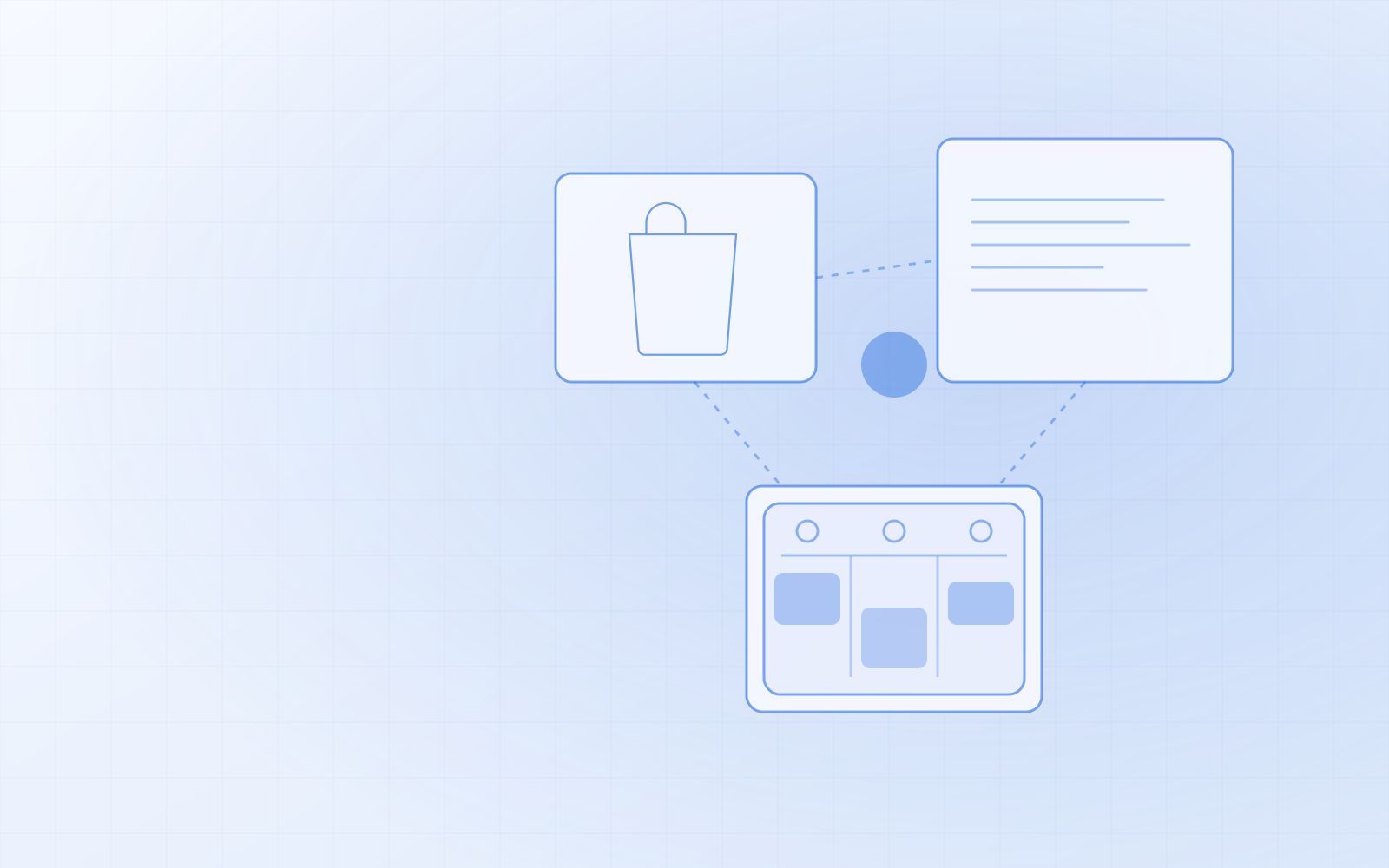
This is where most small businesses choose wrongly. The inventory software is bought separately and the online store already exists. The result:
- Two monthly fees and two catalogues. A new product has to be created in two places and a price change made twice.
- An integration or manual work. Quantities have to be carried over to the online store either by hand or through an integration that works until it doesn't.
- Stock is always slightly wrong. The shop sells the last item, the online store finds out an hour later — or the next morning. In the meantime someone buys the same product online.
Each separate program is perfectly decent on its own. The problem arises between them. I wrote about this in more detail in online store and inventory management in one app.
Questions to ask the inventory software vendor
- Do the online store and the stock use the same stock level, or is there a sync between them? If it's a sync, how often does it run?
- Which barcode scanner do I need, and does it require separate software?
- Can a stocktake be imported from a file, and is the quantity the new level or an amount to add?
- Is it possible to change stock without giving a reason at all?
- How do I get my data out if I ever want to leave?
How it works in NUNDINAE
I built NUNDINAE for exactly this situation. Stock and the online store aren't two integrated programs but one application with one database — an online order, a till sale and goods-in all change the same stock level at the same moment.
- Goods-in: "Receive goods (scanner)", and each beep adds one item. Unknown codes stay on the list in red.
- Stocktake: CSV import in the form
SKU;quantityorEAN;quantity, where the quantity is the new level. - Quick check: beep a product on any admin page and you see its name, price and stock. If the shelf holds fewer, you correct the quantity on the spot.
- History: stock can't be changed without a reason, and every movement records who made it.
- Alerts and purchase order: the dashboard shows what's out and what's running low; the purchase order groups them by brand and can be printed or downloaded as CSV.
- Variants and units: every variant has its own SKU, EAN and stock level; goods can also be counted in grams or litres, as long as price and stock use the same unit.
- Permissions: correcting stock is a separate permission that you don't have to give every member of staff.
Any USB or Bluetooth barcode scanner that works as a keyboard will do; on a phone or tablet you can use the camera. I wrote about this in more detail in inventory management with a barcode scanner, and about getting and adding EAN codes in EAN barcodes for products.
Each installation is a separate solution with its own address and database, and it runs on an ordinary web hosting plan — no separate server needed.
When don't you need inventory software at all?
If you sell only online and goods go straight from the supplier to the customer, you have no stock to manage — an ordinary online store is enough. Inventory software becomes necessary when goods are physically on a shelf and you sell them in more than one place.
If that's your situation, order NUNDINAE or ask for a demo. I'll look at what you work with now and tell you honestly whether switching is worth it.