POS system for a small shop: what the till must do
The till in a small shop is where every second shows. The customer is waiting, the queue is growing and the POS software asks for the third time whether you're sure. If the till is also a separate program that doesn't talk to the online store, in the evening you still have to copy across by hand what was sold during the day. Choosing a POS system for a small shop is therefore not just a question of price, but of how much manual work it leaves for the end of the day.
Below is a list for judging POS software — whichever vendor you go with.
What a POS system for a small shop must do
- Barcode scanning. Beep the product and it's in the basket. Scanning the same product again increases the quantity rather than adding a new line.
- Search by name and code. Not every product has a barcode and not every code scans. You need to be able to find a product by name or internal code too.
- Split payments. Part cash, part card, part gift card — on one receipt.
- Change calculation. A simple thing that rules out mistakes at rush hour.
- Gift cards. The card balance must be visible and the card usable in part.
- Receipt. Printable and handed to the customer.
- Opening and closing the till day. Opening cash float in the morning and a summary by payment method in the evening.
- Protection against double sales. If the button was pressed twice or the connection dropped, two sales must not be created.
- Permissions. Not everyone needs to be able to void a sale or give a discount.
- The same stock as the online store. The most important point — more on it separately below.
Why the till must use the same stock as the online store
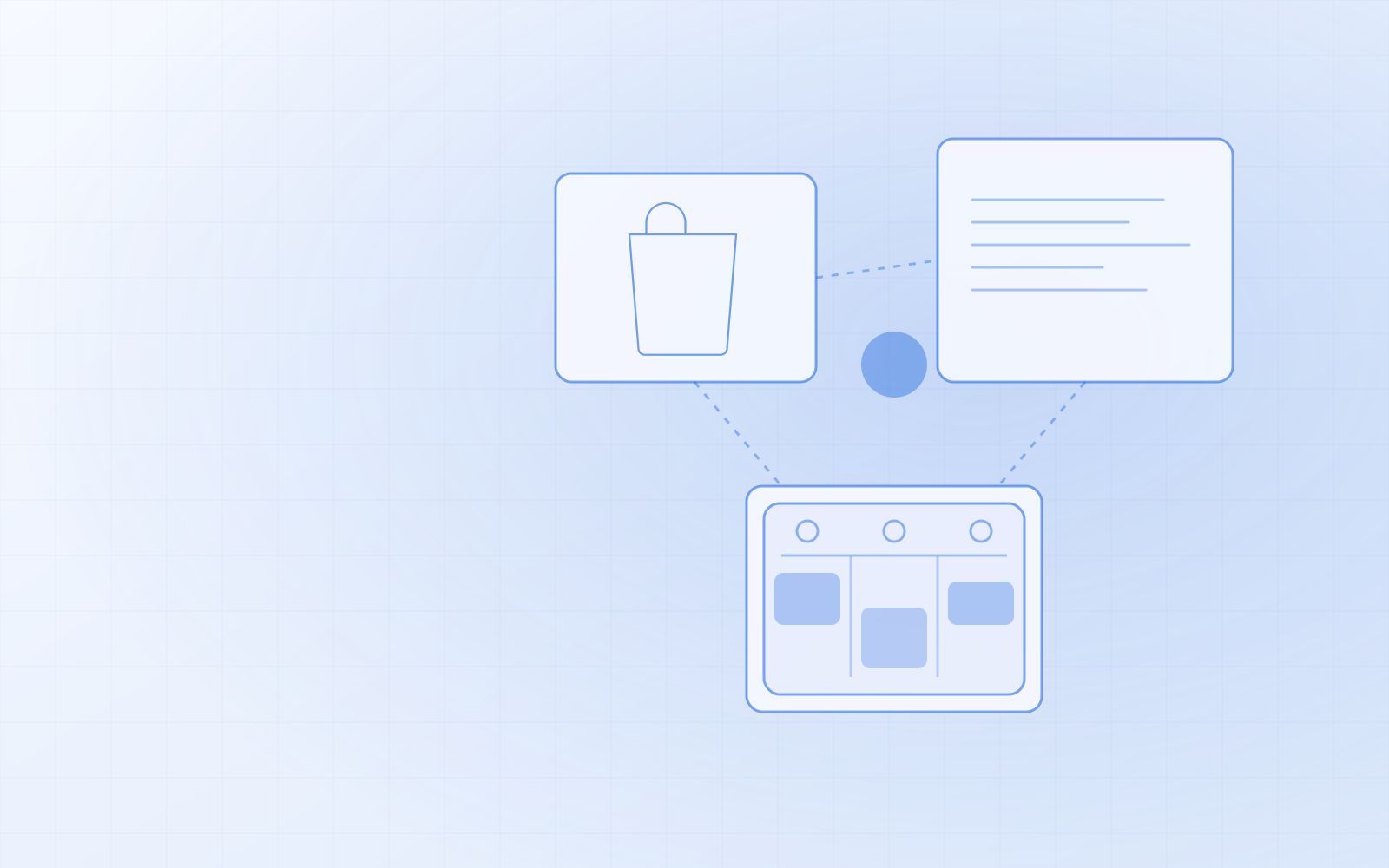
In many small shops the till is one program and the online store another. Each has its own stock level. When the last item is sold at the till, the online store knows nothing about it until someone changes the quantity by hand or the integration runs overnight. In the meantime someone buys the same product online, and the next day you're writing an apology email.
When the till and the online store use one stock level, this problem doesn't exist. There's nothing to sync. I described how this looks in an ordinary shop in online store and stock for a retail shop.
Questions to ask the POS software vendor
- Do the till and the online store use the same product catalogue and stock level?
- Can a gift card be used both at the till and in the online store, and is the balance the same?
- What happens if the connection drops at the moment a sale is completed?
- Does the till run in an ordinary browser and on a tablet, or does it need a dedicated device?
- Are the card terminal, receipt printer and other hardware supported for your shop? Ask about the specific device, not in general.
- Which reports can be downloaded at the end of the day and month?
If the vendor answers the first question with "we sync every 15 minutes", you know where the errors will come from.
How the till works in NUNDINAE
The NUNDINAE till is part of the same application as the online store and the stock. One till day goes like this:
- Open the till day with the opening cash float.
- Add lines: search for a product by name or SKU or beep the barcode — the product goes straight into the basket, and the same product again increases the quantity. If several products share a code, you pick the right one from a list.
- Customer (optional): search by name or phone number. If the customer record has a warning, you see it in red.
- Payment: cash, card, gift card or several at once; change is calculated.
- Complete the sale and print the receipt. If the button was pressed twice, the sale is still saved only once.
- Close the day — a summary by payment method.
A till sale takes goods from the same stock as the online store. If you beep the last item at the till, it can no longer be bought online at that same moment.
The gift card is one and the same at the till and in the online store: it can be used in part or in full, and the balance is the same on both sides. If you also sell services by appointment, the "Today's bookings" button adds the service to the till together with the customer, and a booked service can be paid for with a gift card too. More on gift cards in gift cards in the online store and at the till.
Permissions are separate: one member of staff can sell and close the till day, another can void a completed sale and give discounts. The reports show till payment methods and turnover by day together with online sales, and every table can be downloaded as CSV.
What the till doesn't do
Honestly about the limits too. The NUNDINAE till doesn't accept discount codes — an online store code works in the online basket; at the till you give the discount by hand as a line discount. The till records the payment method, but I'm not promising an integration with any particular card terminal or till hardware here — if that matters to you, let's talk about your devices separately.
The till runs in the browser, including on a tablet. If the till tablet needs to stay open all day, the admin's automatic logout time can be extended.
Summary
A good POS system for a small shop is fast, doesn't create double sales and — most importantly — doesn't need to talk to the online store separately, because it uses the same stock. If you currently copy the till's sales into the online store or the stock program every evening, that's a sign you have one program too many. I wrote more about the stock side in inventory software for small business.
If you'd like to see the till, stock and online store working together, order NUNDINAE or ask for a demo.